Wednesday, November 28, 2012

Wax Vac Review

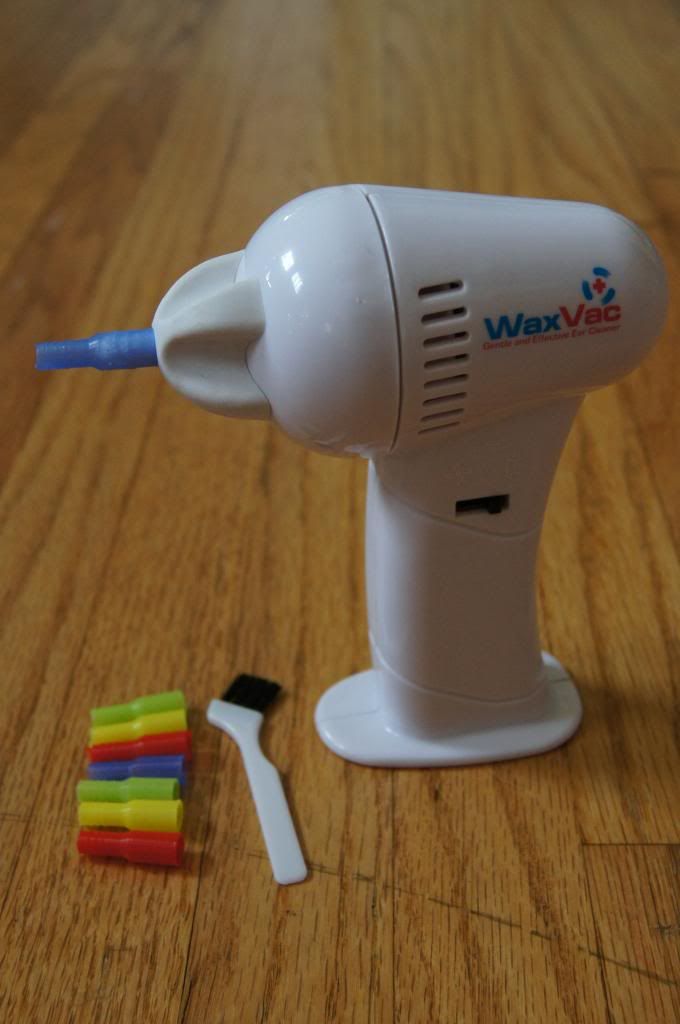
Ryan absolutely hates having water in his ears!  After a shower, the first thing he does is reach for the Q-tips to dry out his ears.  When I had the opportunity to review the WaxVac, which claims to eliminate the need for Q-tips, I jumped at it.  After all, I'm married to the best product tester I can think of!

According to WaxVac.com, I can now say 'goodbye' to cotton swabs as the WaxVac is a safe, easy and painless way to clean out your ears.  It draws out dirt particles and moisture, eliminating the need for cotton swabs.  Each WaxVac comes with 8 color-coded silicone tips and a cleaning brush.

Ryan and I both tried the WaxVac and we also used the WaxVac on our two kids, ages 2.5 and 7 months.  It is pretty quiet and compact.  It also has an examining light on the back for looking into dark ears or noses.  None of us found using the WaxVac uncomfortable.  In fact, my son loves it.  He really wants to make it his own toy.  Even though it was pleasant to use, there is a big problem... it doesn't work.

We tried using the WaxVac in dry ears, wet ears, and even with the special wax dissolving oil that was sent along with the WacVac (this must normally be purchased seperately).  No dice.  Ryan tested out the oil drops.  He found that laying on his side with a little pool of oil in his ear was extremely uncomfortable.  He felt like there was a lot of pressure in his ear and really disliked the sensation.  We figured that the oil must really help to loosen the wax, but in our experience, it didn't make any difference. 

We were really hopeful about this little gadget, but unfortunately, I can't recommend this product.

*I was given this product for review purposes.  All of my opinions about this product are solely my own.  Your opinions may differ.  I was not compensated to write this post in any way.*

Monday, November 26, 2012

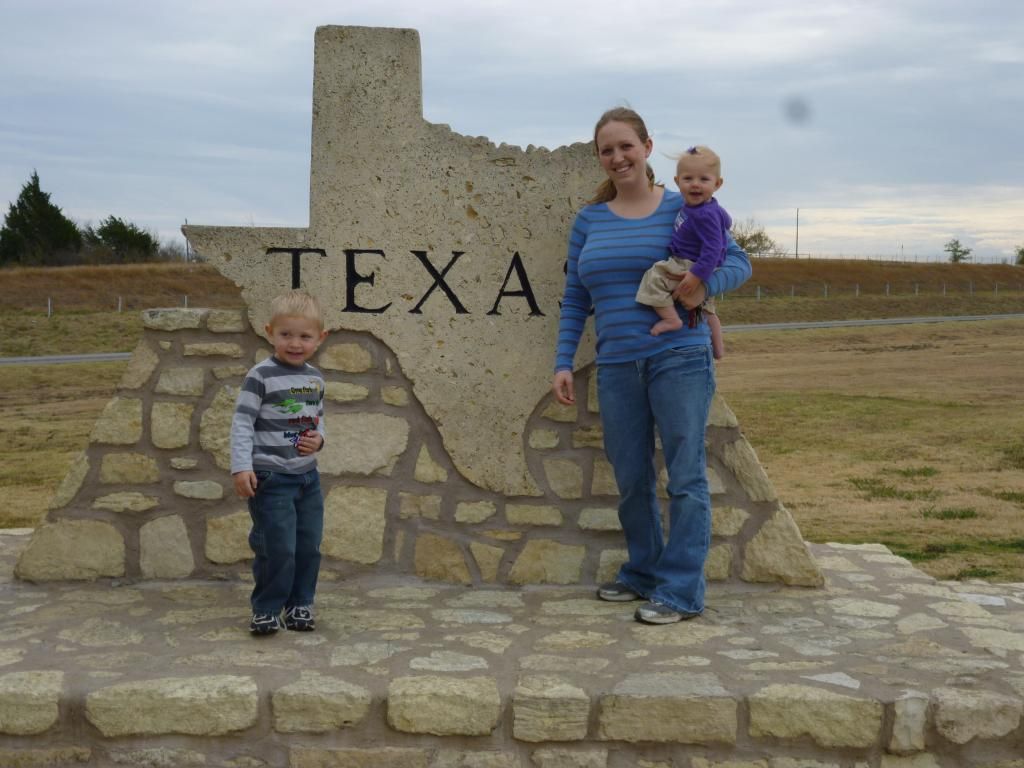
Texas Vacation!

I should have mentioned last week that I wouldn't be getting many blog posts done since were going to be on vacation to Texas, but I didn't.  I had very unrealistic expectations.  I was thinking that I would somehow have time to write a post each evening explaining what we did each day.  Haha!  Hilarious!  By the time we've gotten the kids to bed each night, all I've wanted to do is pass out, too.

Anyway, I thought I'd catch you up.  We made it to Plano Sunday afternoon and were quite happy to take it easy for the evening.  It was fun seeing Holly and Jason's new house!

Monday was also a lazy day.  We  mostly spent time hanging out with family.  It was great to catch up with everyone and watch Brennan and Bryleigh get to know their aunts and uncle and bond with his cousins more and more.  The big excitement for the day was meeting Ryan's brother, Mike, for lunch a delicious lunch at Taco Cabana.  It was super tasty and very nice to catch up.

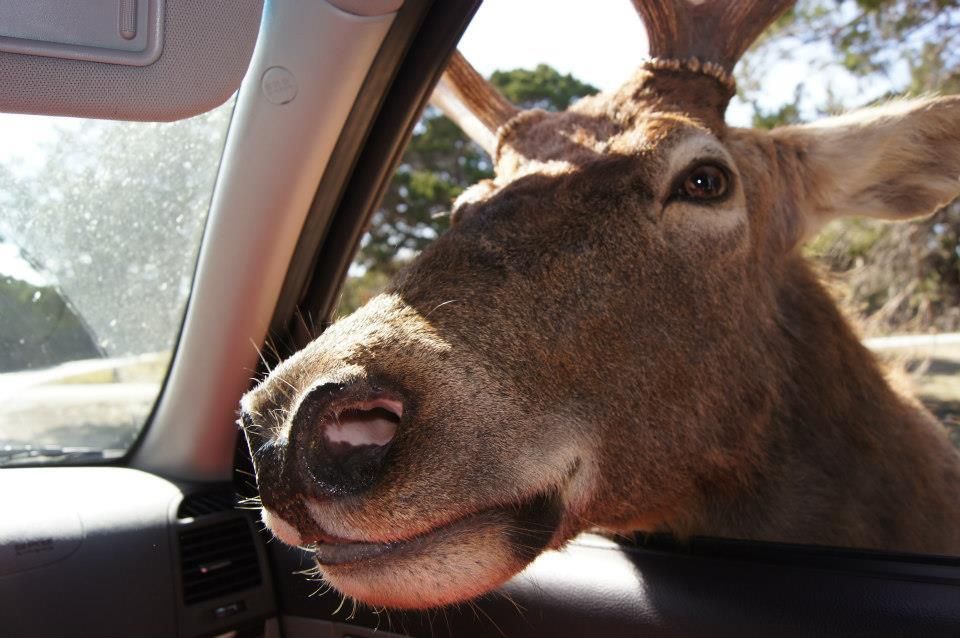
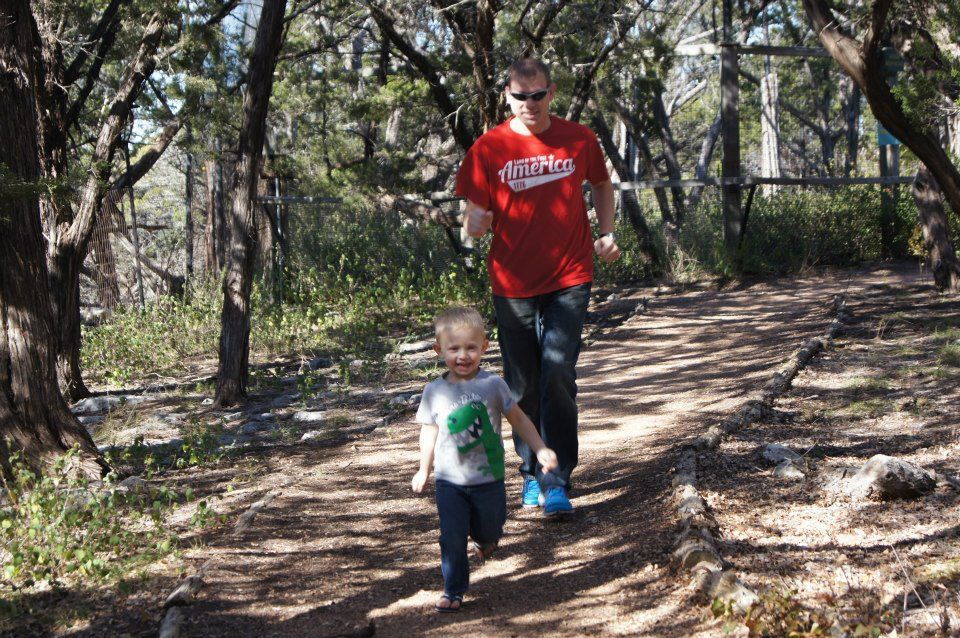
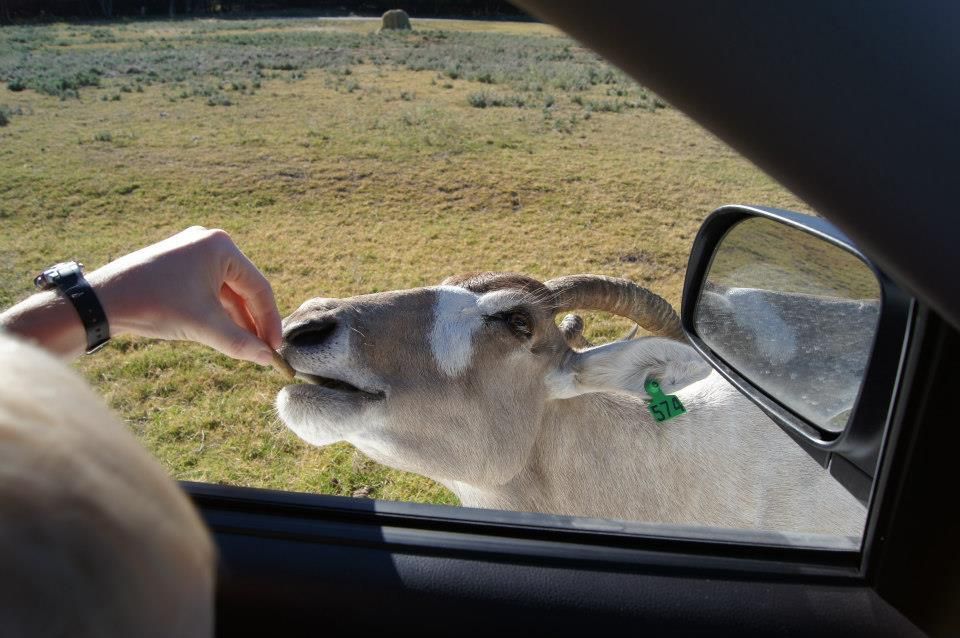
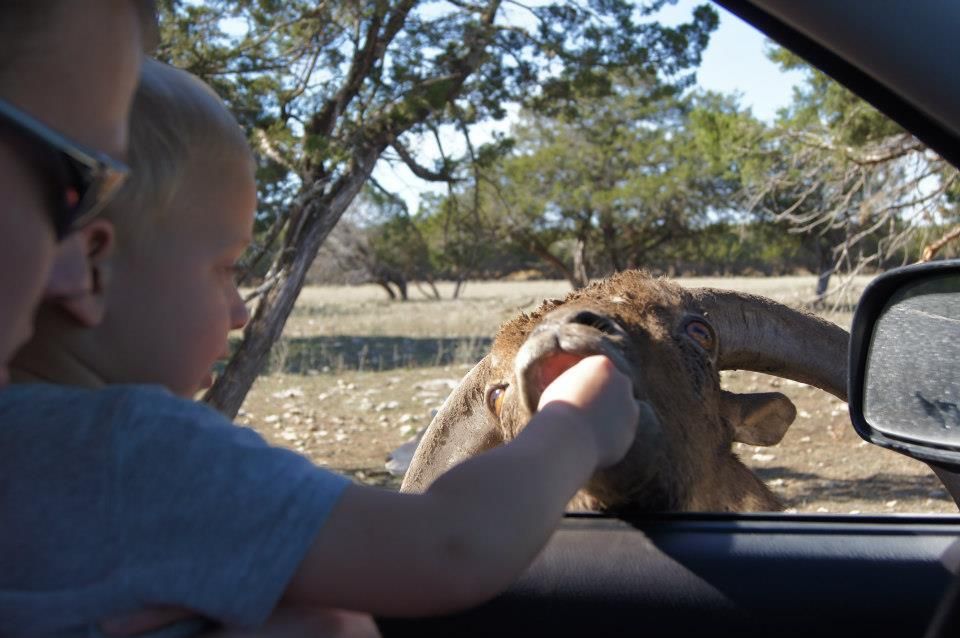
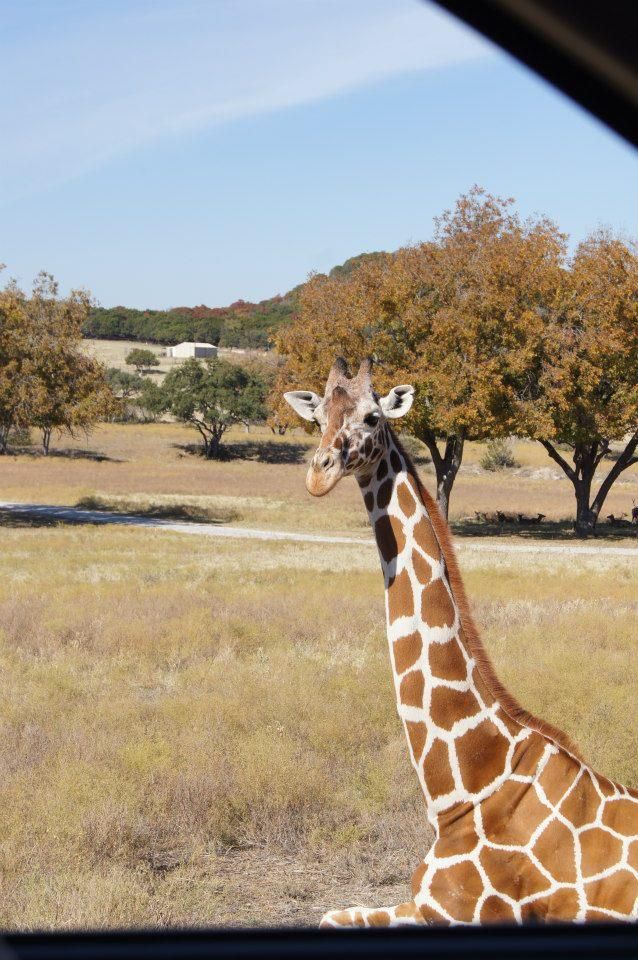
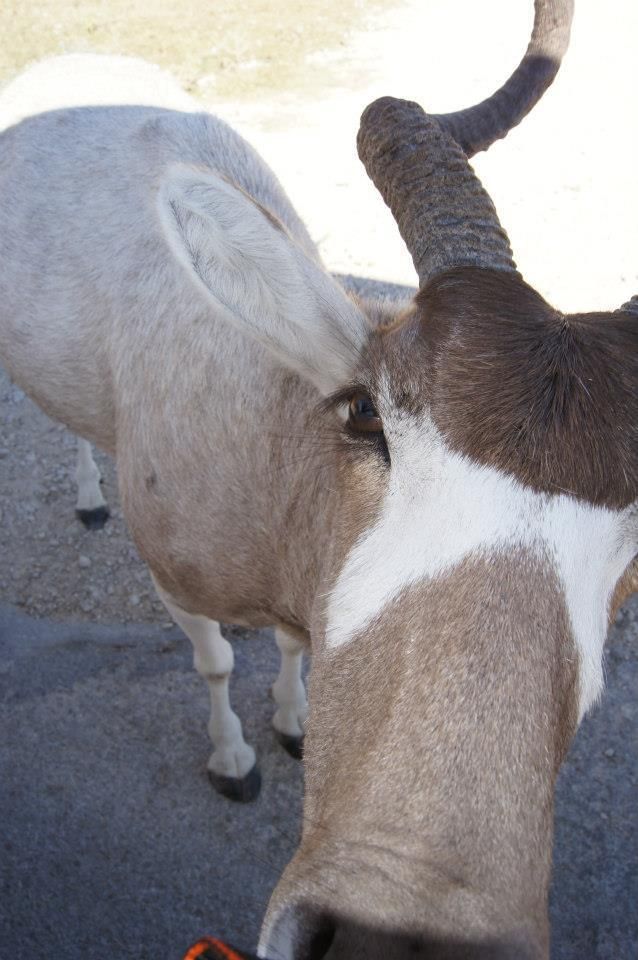
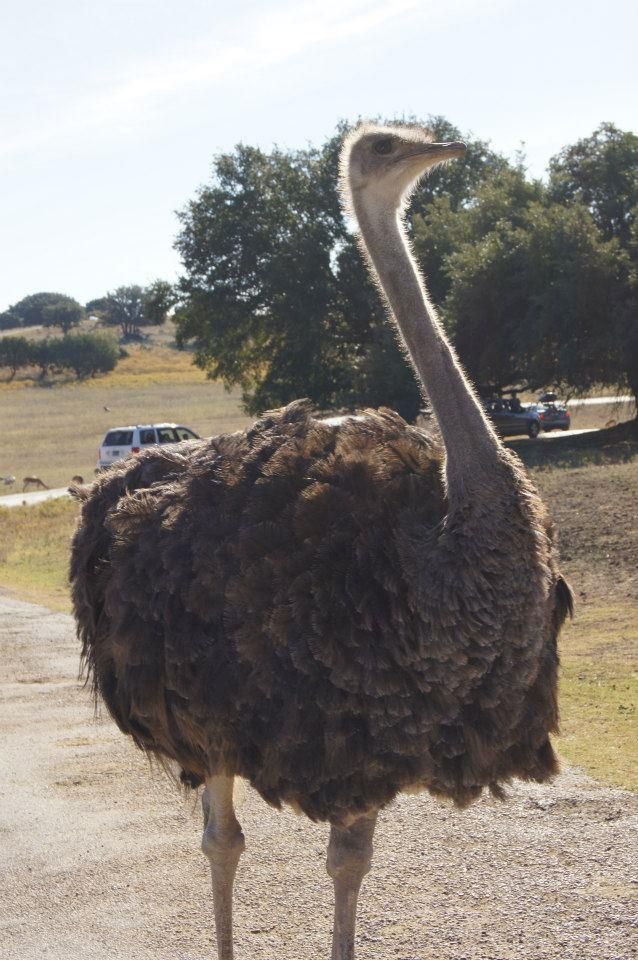
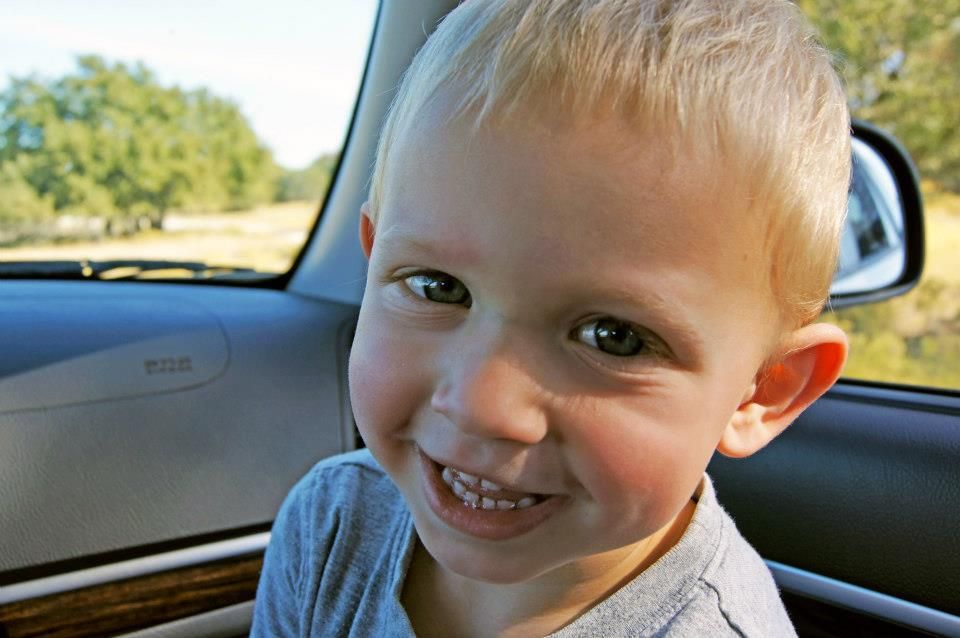
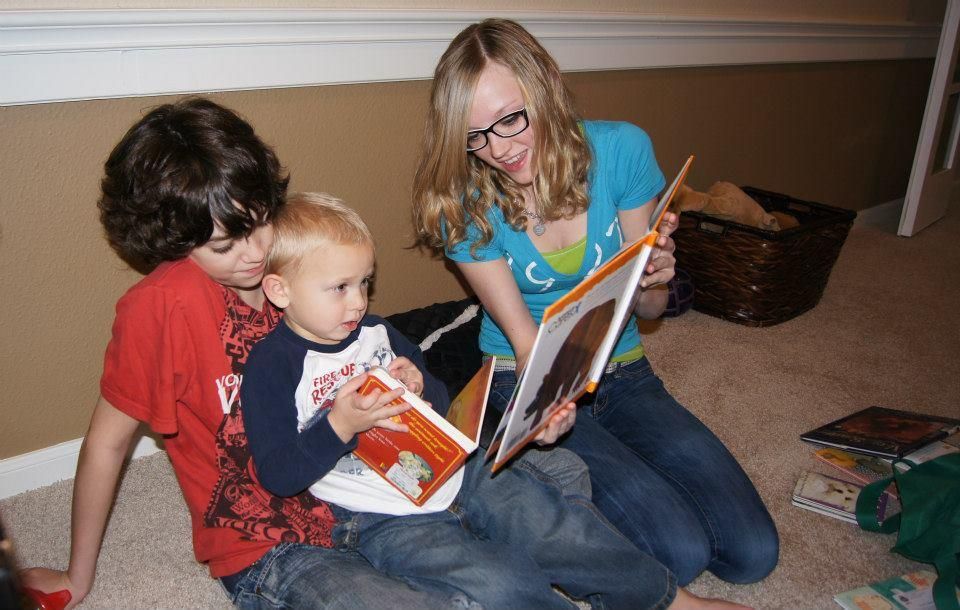
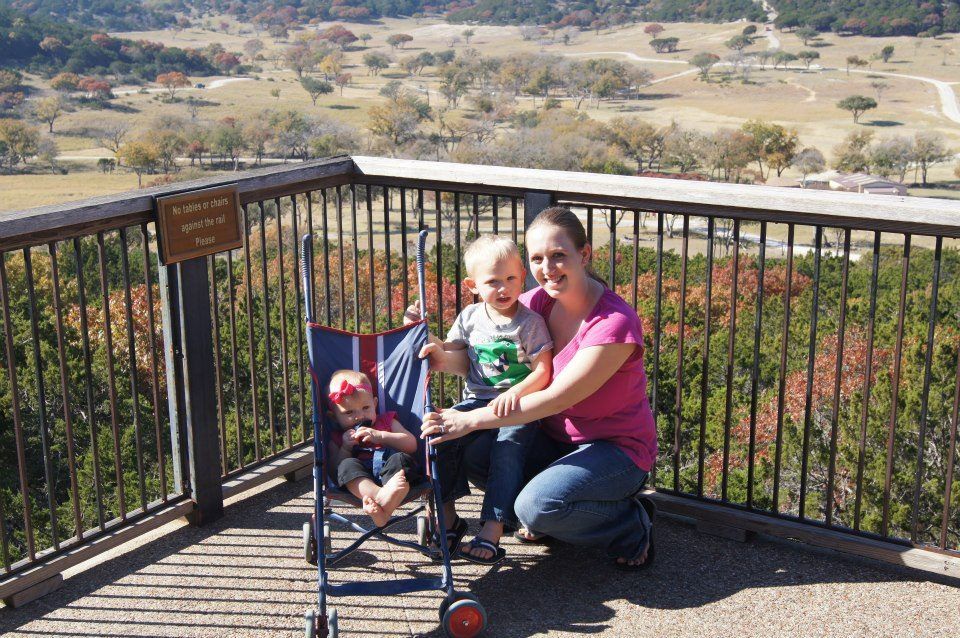
Tuesday was the only day (besides Thanksgiving) that we had planned before even heading to Texas.  We went to Fossil Rim in Glen Rose, Texas.  It was an awesome experience!  The animals walk right up to your car to get their little treats.  Some even stick their face right in the window!  The four of us all really enjoyed it!  You wouldn't think that a baby would get a kick out of something like that, but even Bryleigh liked it!  Brennan REALLY liked it!
On Wednesday, I got to do something that wouldn't excite most people.... bra shopping!  My sister and I both have the issue of having boobs much too large for regular bra stores to accommodate.  Luckily for me, she knows of a great specialty bra shop near her house.  So Holly, Bryleigh, and I headed out and I tried on a million.  I found a couple of styles I really like and Holly was able to check me off of her Christmas list with the purchase of an AWESOME sports bra.  And here's the funniest part....  I learned my real bra size.  Drumroll, please- 32H!!!  Woah.

After the bra fitting experience, I headed to a Ross store with another sister, Kris, and my niece, Autumn.  It was good!  I got myself a nice pair of tennis shoes, a pair of shoes and socks for Brennan, and some Mickey pajamas as a Christmas present for B.  What a good deal, too!  It was all about $60.

Ryan brought Brennan to Bounce U to jump and play.  They had an awesome time and it sure wore Brennan out.
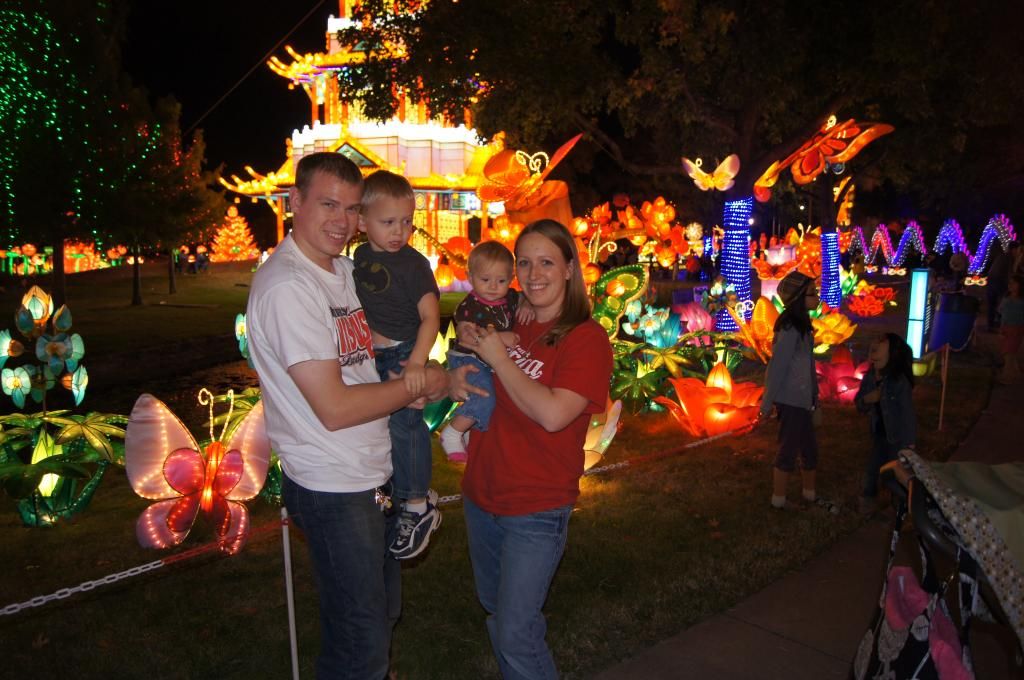

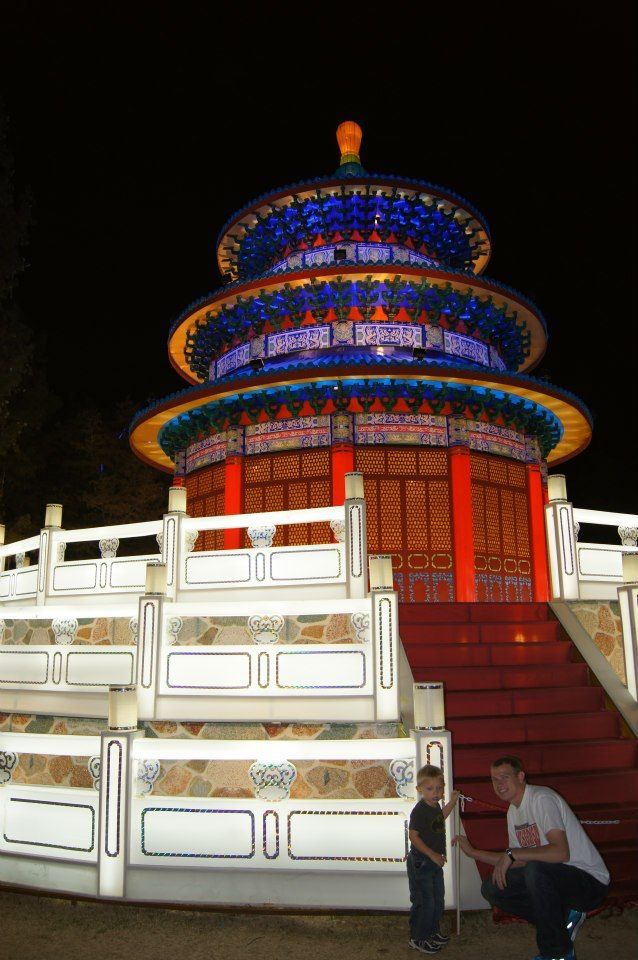
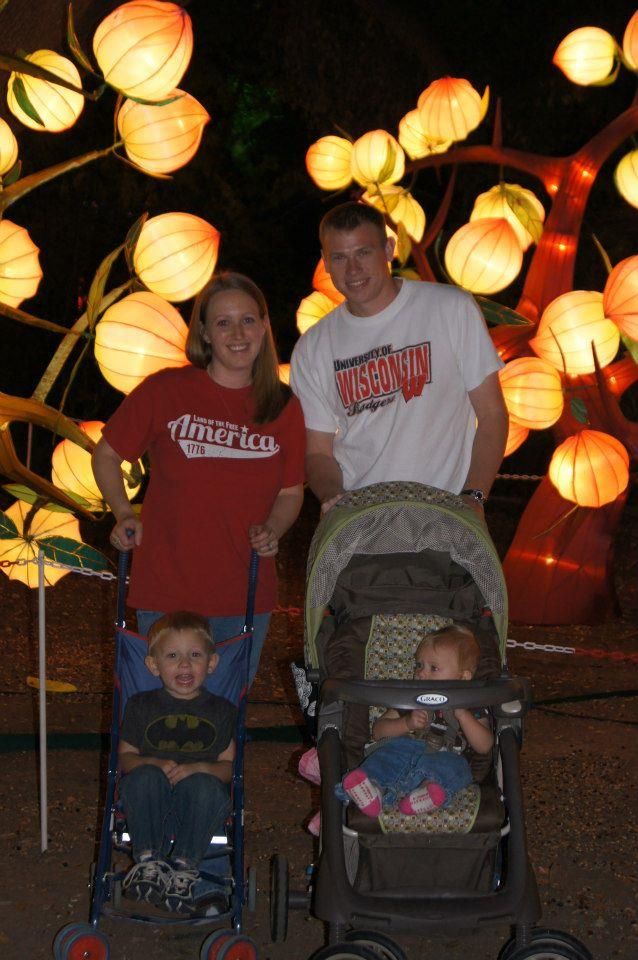
Wednesday night we got to go with Holly and Jason to a Chinese Lantern Festival in Dallas.  The sheer number of lanterns was really amazing. It was beautiful!  I could not believe all of the amazing creations that they made out of lanterns! Another impressive sight was the ridiculously long dragon made entirely out of China and silverware!  Very cool!  Both kids and all of the adults really enjoyed it.
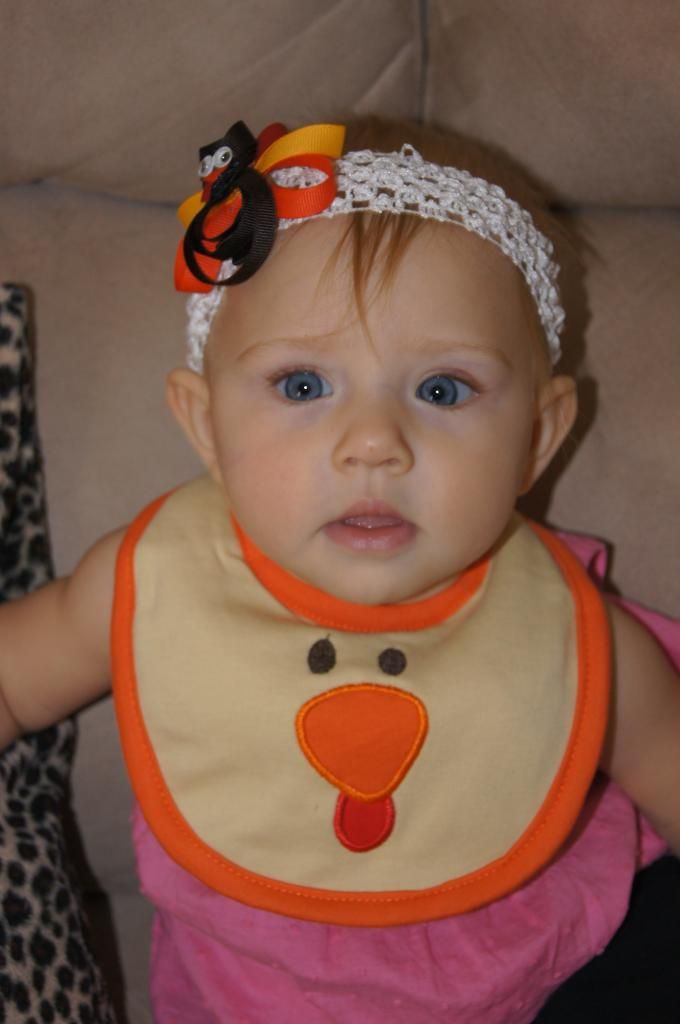

Thursday was obviously Thanksgiving.  In the  morning, we took a drive to Carrollton to see Kris' house.  We got to check out the house and see the kids' rooms.  It was really nice to visit with everyone.  I really loved seeing their dog, a Boxer, Mugsy!  It has been 6 years!  He is a sweetie!

After our visit we headed back to Holly's to get ready for the afternoon and get the kids down for their always important naps.
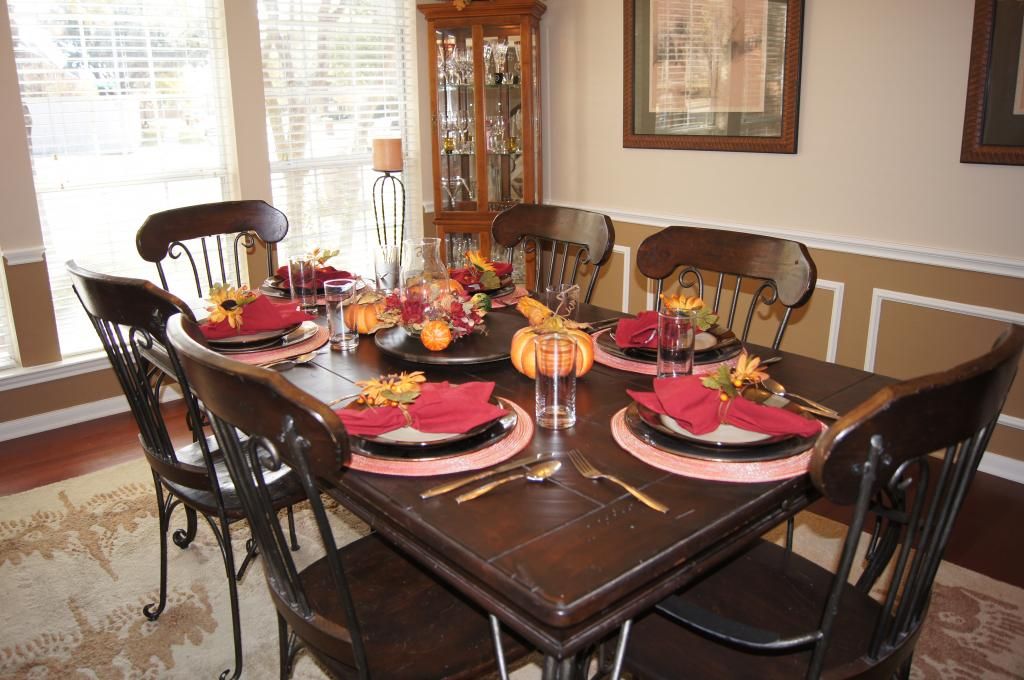
In the afternoon, we had a lovely Thanksgiving meal with my older sisters and their families, an aunt, and two cousins.

On Friday, Ryan and I did a little shopping in the morning.  That afternoon, he went golfing with his brother, Mike and had a great time.  That afternoon and evening we got packed up and ready to leave.  We went out for supper with Kris, Autumn, and Wiley.  It was a lot of fun!

And in case you were wondering, the kids were better in the car than I could have ever asked for!  Thank you, kiddos!  Here are a few more pictures from the trip!


Thursday, November 15, 2012

Bryleigh's Beautiful Memory Box!

I knew that I would make this for Bryleigh before she ever even arrived.  I made on for Brennan and am in love with it. This one turned out so beautifully and I know Bryleigh will absolutely treasure this someday.


I'd like to give you a rundown of the items included in her box.

  • On the top left, we obviously have her birth announcement.  Sweet little Bryleigh, arrived at 11:02pm on March 31, 2010 at 7lbs 14oz and 21 1/4 inches. 
  • The foamy ring on the top right is the padded, barcode ankle bracelet that Bryleigh wore in the hospital.
  • Underneath of the ankle bracelet is the cap and part of the label to the bottle of sparkling grape juice we celebrated her arrival with.
  • Just to the left of the cap on the edge of the announcement is my 'It's a girl' belly button ring.
  • Underneath the announcement are my and Bryleigh's hospital bracelets.
  • To the right of the bracelets are the hospital visitor tags.
  • Underneath of the tags is Bryleigh's crib card.  Notice the name- ___________Anderson.  :)  She was baby no-name for a while!  We left the hospital a couple of hours later than planned just to decide on a name!
  • To the left of the crib card are Bryleigh's 3D feet.  We cast these ourselves using a kit from castingkeepsakes.com.  I love having an exact replica.
  • Underneath the feet is one of Bryleigh's burp cloths.  It looks cute, but more importantly, it will pad those precious feet if they ever decide to fall off! 
  • Lastly, we have one of Bryleigh's headbands.  She wore these a lot right away, and still does, but has now also moved onto hair clips  What a big girl!
Hey, I think she likes it!

Tuesday, November 13, 2012

Toddler Talk Tuesday- Obviously!

Obviously!-

To start this off, I need to show you a picture of my bedroom wall.  I painted this tree and glued silk flower blossoms to it for a 3D effect...

 The other day Brennan came out of my bedroom looking for me.  He held up a small silk flower blossom and put it in my hand.

Brennan: Mama!  I broke this!  The flower falled down.  It was an accident.

Me: It's ok.  Thanks for telling me.  Let's go look.

Walk into the bedroom and start searching for where this blossom used to be...

Me: Brennan?  Do you know where this flower came from?

In his most "obviously..."-toned voice he slowly responded.

Brennan: From the tree...

Oh... you don't say!  :)

Me: Do you know WHERE on the tree this came from?

Brennan: Right there.  (Pointing to the correct place.)

Well thanks.  He probably thinks I'm the dumbest Mom ever now for not knowing where that flower came from when we were looking at a tree full of them.


Sunday, November 4, 2012

My Memories Suite Software Review and Giveaway

Use code 'STMMMS30134' for $10 off & a $10 store credit!
I love editing photos and creating projects with my photos, so when I was contacted about a review opportunity from MyMemories.com, I was pretty excited.  My Memories Suite is a digital scrapbooking software program that enables you to creatively archive your memories!  This is the description given on the website.
MyMemories Suite v3 software is a complete digital scrapbooking solution that provides a comprehensive powerful set of creative tools no other scrapbook software can offer. With its intuitive workspace and enhanced time-saving features, this application is perfect for a beginner to create a complete album in minutes, or to empower the design pro to build a scrapbook album masterpiece.

Making a Scrapbook

MyMemories Suite will help you create your beautiful pages from scratch or build an entire album using one of the many professionally-designed scrapbook templates provided within the scrapbook software. A large collection of papers and embellishments are also included and available at your fingertips to help you make each page uniquely your own.
If this were any other scrapbooking software, you might be finished. But with My Memories Suite, the real power-and fun-of this software is just beginning. There are so many ways to save and share your memories, you will wonder how you ever got along without it.

Affordable

With over 1,500 papers, over 1,000 page elements, and over 30 album templates (including 10 new for v3), MyMemories Suite lets you hit the ground running with your very own scrapbook or photo album in a matter of minutes. It’s easy-to-use and affordable—and compatible with both Windows and Mac computers. Don’t put off your important memories any longer, add MyMemories Suite to your shopping cart now.
You can make a beautiful scrapbook an interactive memory experience for anyone who sees it. Use simple one-click options to enhance your scrapbooks, with music, narration, video, and even the Internet. Go beyond pictures by showing off video of the birthday party, or record a narration to capture the memories that pictures alone cannot. With My Memories Suite you simply don't look at a scrapbook-you experience it!
I downloaded the software quickly and easily, along with a few extra design packs.  It was simple to register and install and I was able to get playing with it right away.  (Install any design packs without the software running so that they show up next time you start the software.)  I'll admit, at first I was a little overwhelmed by the complexity of the software.  There are so many options and buttons, which really is a good thing!

The background papers and embellishments that are included are so cute and very practical.  There is a wide variety and I believe that you could accomplish most any project that you want to with these.  However, if you like even more variety, there is a massive amount of online content available for download.  You can even find a good amount of free content to use with your software.


After a little bit of time playing with the program, I began to understand how to get it to do exactly what I wanted it to.  And actually, just this morning, I checked out My Memories blog and stumbled upon this great tutorial.  It is a get-started-guide to help you get going with the software.  There are several other great tutorials on the blog, as well.  If you do run into questions, you can always email or check out the My Memories Suite Facebook Page for help!

I like the flexibility of being able to use a ready-made template or create your own.  Using the templates speed the creative process up quite a bit.  Let me show you a few examples of what I've been able to make so far!

With Thanksgiving on the brain, I created this for my Facebook cover photo.

A few of our fall family photos and a beautiful 'Harvest' embellishment.
 In this last example, I put together an entire mini-album with pictures from last Christmas.


Overall, I think this a great piece of software with a huge support network behind it.  The ease of use in comparison to using a program like Adobe Photoshop to do the same projects is obvious, especially when using the pre-made templates.  I believe that it is worth the normal retail price of $39.97.  It is definitely worth the discounted price of $29.97 that you would get when using my code- STMMMS30134.  Not only does this code take $10 off of the price, but it includes $10 to use in the mymemories.com store!  

If you'd like to have your own free copy of mymemories.com,  you're in luck!  MyMemories.com has generously offered to give a copy away!  Take some time to enter my giveaway and good luck!

a Rafflecopter giveaway
*I was given this product for review purposes.  All of my opinions about this product are solely my own.  Your opinions may differ.  I was not compensated to write this post in any way.*